Table of contents
We don’t currently support changing the email on an account, but you can work around this by inviting your new email address. Here’s how:
1. Log in with your old email and go to ACCOUNT > Team, then click Invite member.
2. Enter your new email address and send the invite.
3. Open the invitation email and click Join.
4. Click Login and sign in with your new email.
5. Click Accept in the banner and select your old team from TEAMS.
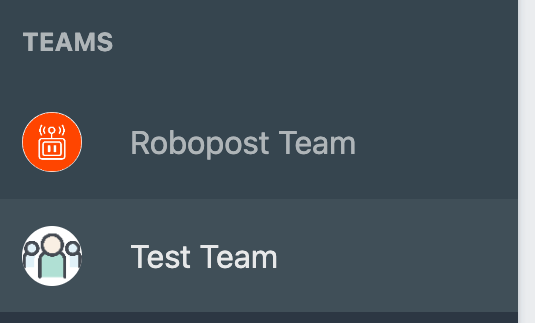
After that, you’ll be able to post from the team you created before.
You may see a notice about the free trial ending, but you can keep using Robopost as long as the team is on the Basic plan or higher.