
FormEmailAPI: A Contact Form Backend Without the Backend
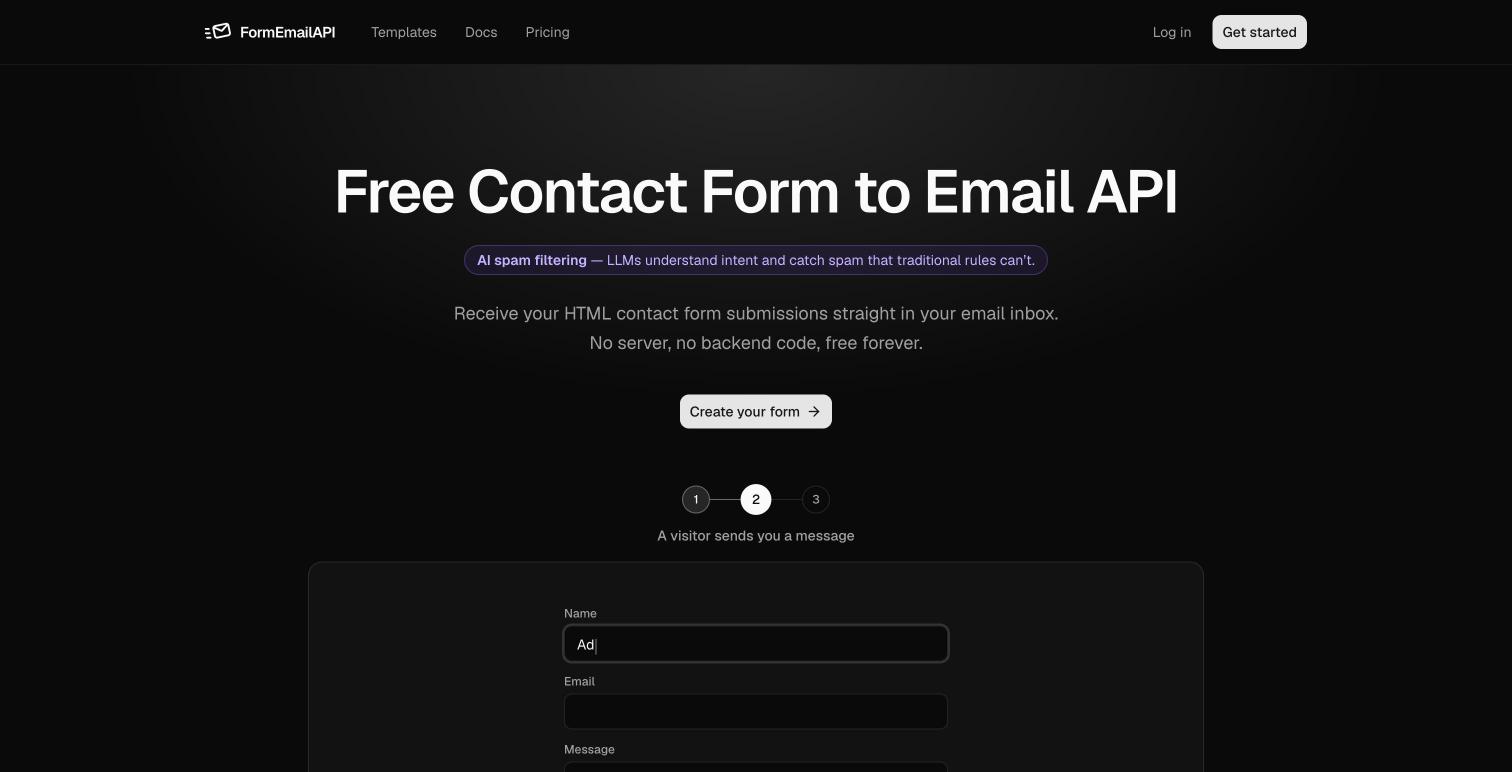
Almost every website needs a contact form, and almost every contact form needs a backend: a server to receive the POST, a mail provider to send the message, spam filtering, and somewhere to keep a copy. For a static site that is a lot of infrastructure for a few messages a month. FormEmailAPI replaces all of it with a single endpoint. You point your HTML form at it, and submissions arrive in your inbox.
How it works
- Create a form. Sign in and create a form to get its own endpoint URL.
- Configure it. Choose where submissions go, set the subject line, and turn on spam filtering, the autoresponder and integrations in the dashboard.
- Paste it into your page. Set your form's
actionto the endpoint. No JavaScript, widget or iframe is needed.
<form action="https://submit.formemailapi.com/YOUR_FORM_ID" method="POST">
  <input type="text" name="name" required>
  <input type="email" name="email" required>
  <textarea name="message" required></textarea>
  <button type="submit">Send</button>
</form>
Your markup and CSS stay exactly as you wrote them. It works with plain HTML, React, Next.js, Vue, Astro and any static host, from GitHub Pages and Netlify to Vercel and Cloudflare Pages.
Spam, handled in layers
- Honeypot field: stops most automated bots, which fill in every field they find.
- Captchas: hCaptcha, reCAPTCHA or Cloudflare Turnstile.
- Keyword and IP rules: catch human-sent bulk outreach.
- Domain locking: a copy of your form on someone else's site stops working.
- AI review: language models judge the intent of submissions the rules let through.
Blocked spam never counts toward your monthly quota. Messages caught as spam are kept in a separate view, so you can check them and loosen a rule that turns out to be too strict.
More than an email relay
- Submission history: every message is stored in a searchable dashboard, with CSV and JSON export.
- Autoresponder: reply to senders automatically, in your own words.
- Webhooks and chat: forward submissions as JSON to your endpoint, or to Slack, Discord and Telegram.
- Submissions REST API: pull submissions into your own tools, dashboards or CRM.
- File uploads: attachments are stored on Amazon S3.
- Custom redirects: send visitors to your own thank-you page.
- Your own sending domain: send notifications from your domain with DKIM on paid plans.
Who it is for
- Static sites and landing pages that need a working form without a backend.
- Freelancers and agencies that run one form per client site, each with its own recipient and spam settings. Forms are unlimited on every plan.
- Marketers capturing leads who want submissions to flow into their CRM through the API.
- Support teams that want bug reports to land in Slack or Discord.
Pricing
- Free: 250 submissions a month, unlimited forms, AI spam filtering, autoresponder and webhooks.
- Pro: $15 a month billed yearly, with 10,000 submissions a month, up to 5 recipients and 1-year history.
- Business: $40 a month billed yearly, with 20,000 submissions a month, a custom sending domain and unlimited history.
See the full comparison on the FormEmailAPI pricing page.
The bottom line
If your site is static, or you simply do not want to maintain a backend for one form, FormEmailAPI gives you a dependable contact form in a few minutes, with serious spam protection and your data easy to export. It pairs well with a social media workflow too: route leads from your landing pages to your inbox, and promote those pages on every channel with Robopost. Find it on ToolPasta, our AI tools directory: FormEmailAPI on ToolPasta.
Schedule and automate your social media with Robopost
Start using Robopost